Sqwark! That's not work.
A dead-simple Mac focus guard. Say what you're doing, press Go, and a very judgemental parrot keeps you on it.

This isn't marketing and ads.
x.com steps aside in seconds.
- No account
- No dashboards
- No streaks
Off limits on a watch, decided by rules: x.com, Instagram, TikTok, YouTube, LINE, Telegram, WhatsApp, Discord, Reddit, Netflix, Facebook, Twitch.
One verb. That's the app.
One menu-bar bird, one tiny popover, one settings pane. If a feature made it harder to use, it didn't ship. Hands on the keys? One shortcut from anywhere, type what you're doing, press Return, and the watch starts.
-
1
Say it.
Click the bird and type what you're doing. In your words, not a project picker.
-
2
Go.
That's a watch: 25, 50, 90 or any number of minutes. Pick what's off limits: social, chat, video, news, shopping.
-
3
Drift? Sqwark.
Open X or LINE during a watch and only that window goes dark. Ten seconds to close it, or say it's work.
Only the window you shouldn't be in goes dark.
Not your whole screen, not your music, not the doc next to it. Works on a laptop. Works on a 49-inch monitor.
- Close tab: gone, and you're back in your work.
- This is work: let through, and logged.
- Do nothing: it steps aside. Nothing is ever killed.
House rules: blocked all day.
Some things are off limits whether you've started a watch or not. Make them a house rule.
- Each thing you can block is Off, On a watch, or Always. Out of the box, nothing is Always.
- Lunch? Pause house rules for 10, 30 or 60 minutes. A watch never pauses.
- Ads Manager, ads.x.com and YouTube Studio are work, even with social blocked all day.
Blocked
- Social Off On a watch Always
- Chat Off On a watch Always
- Video Off On a watch Always
One bird. Four moods.
-
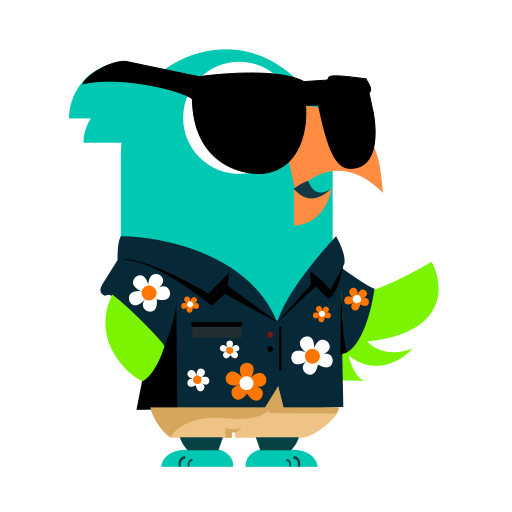
Off duty
Nothing to watch. Shades down, just logging, never in the way.
-
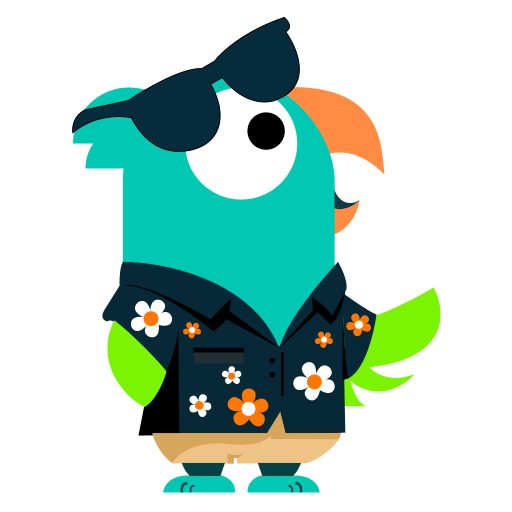
On watch
Watch running. Shades up, eye open, minutes ticking in your menu bar.
-
Sqwark!
You drifted. Ten seconds of parrot, then back to it.
-
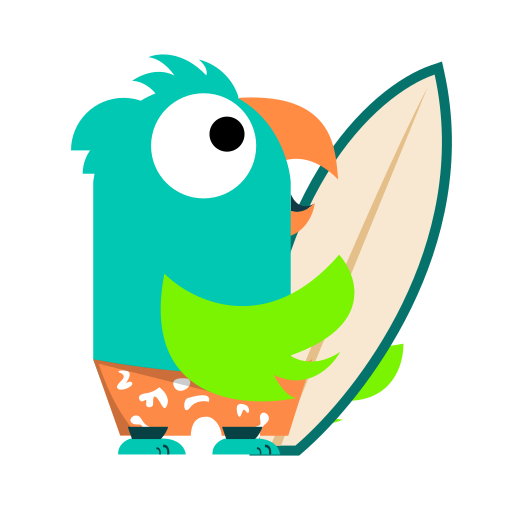
Trip report
End of day: where the time went, your top sinks, focus kept. Coffee breaks don't count.
Privacy, in five lines.
A focus guard sees a lot. So it keeps almost all of it to itself.
- 1What it sees stays in local files on your Mac. No account, no sync. None of it leaves unless you add your own Jev key.
- 2Query strings are stripped from every address before anything is stored or sent.
- 3Rules decide the obvious cases. No AI involved for x.com or LINE.
- 4Bring your own Jev key and it's asked only when the rules can't tell: a YouTube tutorial from a YouTube hole.
- 5Password managers, banking and mail are never sent, and their titles aren't stored. Nor are private windows in Chrome, Arc, Brave, Edge and Firefox. (Safari doesn't say which of its windows are private.)
Things it will never grow.
AccountsOnboarding carouselsDashboards of dashboardsStreaksTeamsLeaderboardsA weekly email
Pay once.
That's it.
No subscription, no account. Try everything for 14 days, then decide.
US$49once
- 14 days of everything first, free.
- After that, logging and the Today view stay free. Watches and house rules need a licence.
- 3 Macs per key. Updates included.
Checkout by Stripe. Your key comes by email.
Questions.
- What happens after the 14 days?
- Logging and the Today view keep working, free. Watches and house rules need a licence. A watch that's running when the trial ends runs to its end.
- How many Macs?
- Up to 3 per key. Paste it on a fourth and the Mac you've used least recently lets go. No device list to manage.
- Refunds?
- [REFUND POLICY — Stuart to decide]
- Do I need a Jev key?
- No. It's optional, and it's yours: a TypeSafe key, on your own account with them. The licence has nothing to do with it. Without one, the rules decide on their own.
- Lost your key?
- Put in the email you bought with and it's sent again.